
Send money home
Your first transfer is free and arrives in seconds
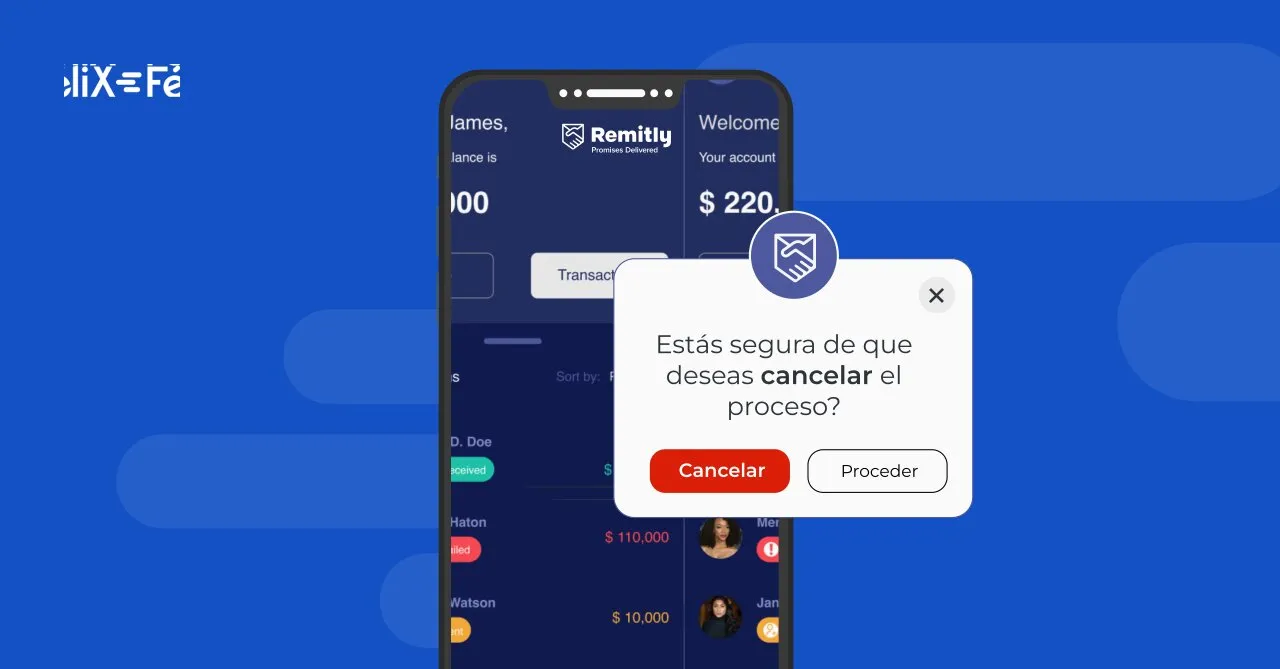
Even after you have sent your transfer through Remitly, it is possible to cancel or modify it if the recipient has not yet received the money.
Cancel a transfer from the Remitly App
Log in to the Remitly App with your username and password. The home page will show the list of transfers you have recently made. It will show you the details of the transaction and its current status. If it hasn't reached the recipient's account yet, you're in luck! You can cancel it.
Choose the transaction you wish to cancel. A page with the transfer details will open; scroll to the bottom until you see the option to Cancel transfer, click it, and then choose **Yes, cancel.** You will need to select a reason for the cancellation and press Confirm.
Cancel a transfer from the website www.remitly.com
To cancel a Remitly transfer from their website, first go to www.remitly.com and log in. At the top, you will find the menu, where the Transfer history section is located. Choose the transaction to cancel. Verify that the amount has not reached the recipient's account and choose Cancel transfer
You will need to specify the reason for the cancellation. Select one of the options and click Confirm.
Once the cancellation is processed, the refund will take three to five business days to reach your account if you paid with a card, or ten business days if it was via bank account.
Why is it important to choose a remittance service that is simple to use and adapts to you?
Living in another country has its own difficulties: speaking another language, saving money, and taking care of your family from a distance.
It is important to find a company that understands you, one you can trust, that cares about protecting your savings and ensuring the well-being of your loved ones. Remittance services are a good solution to help ensure your family has everything they need.
The best service will be the one that is easiest for you to use, adapts to your needs, speaks your language, is flexible and reliable, and, above all, is affordable so it helps you make the most of your money.
Sending money to your family and friends in Mexico can be much easier. We'll tell you how.
Félix is a platform made by Latinos for Latinos with the goal of helping you take the best care of your money and making the process of sending it easy.
Félix allows you to send money from home without downloading an app, so it can be received immediately in a bank account or as cash through our authorized payers like Oxxo, Soriana, Coppel, Elektra, and many more.
Go to www.felixpago.com and register your cell phone number. Send now and we will send you a WhatsApp message where we will guide you through the transfer process. We will ask you:
- How much money do you want to send? Full name of the recipient and what city they are in. Will the money be delivered to a bank account or in cash? If you deposit to a bank, we ask for your beneficiary's account details. If you want to send cash, which store you want the recipient to pick it up at.
How to cancel your transfer through Félix
Félix offers you an easy way to cancel your transfers and get your money back, as long as the amount has not been received by the recipient.
Access WhatsApp, open the conversation with Félix you used to make the transfer, and type Cancel transfer. Our team will handle the cancellation, and you will receive the money back in your account within three to five business days.
Related content