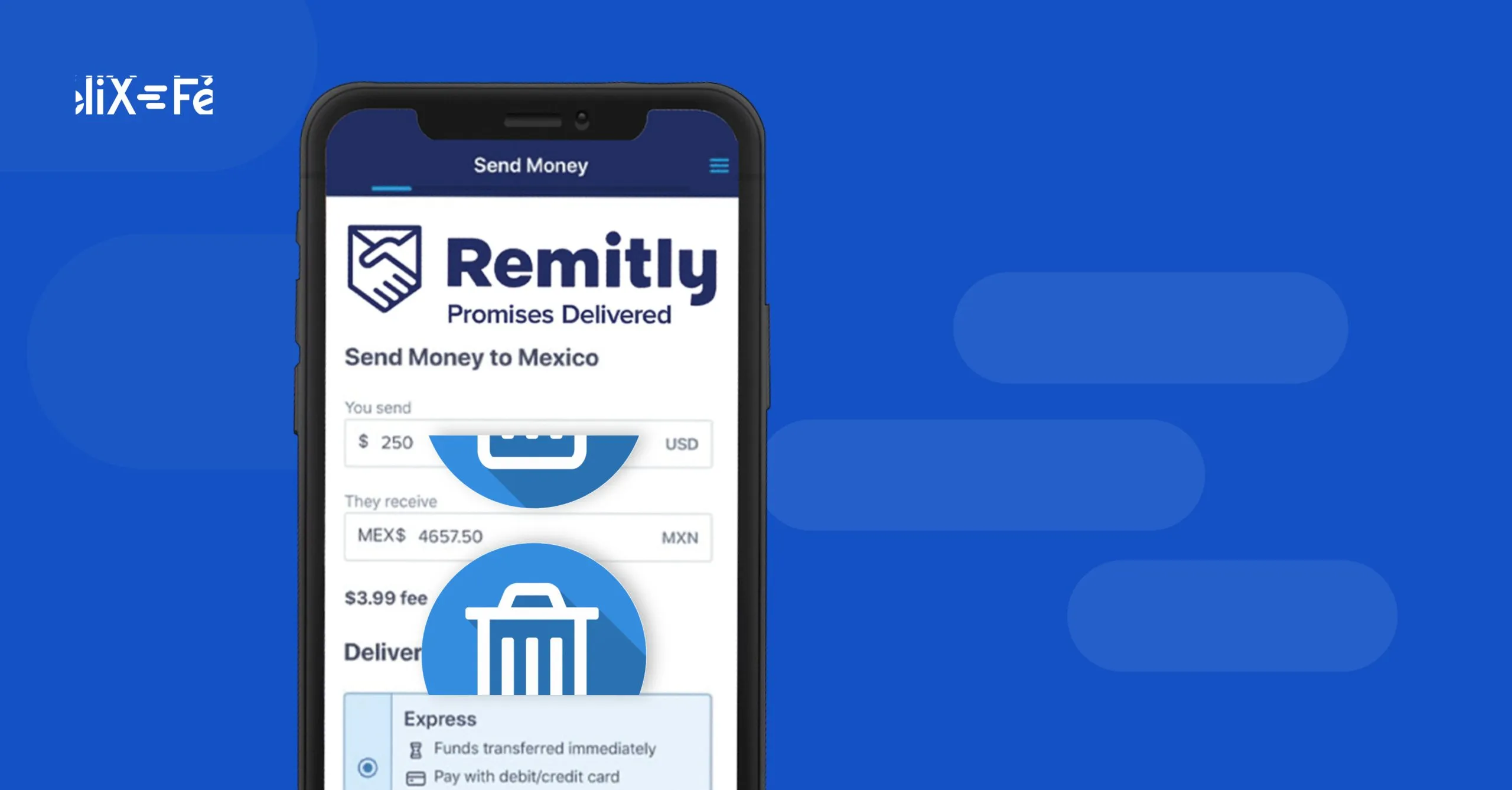

Send money home
Your first transfer is free and arrives in seconds
Deleting your Remitly account is not difficult. You just need to send an email or start a chat.
If you no longer want to use Remitly to send money abroad (perhaps you need a service with better customer support, one that is easier to use, or one that is more cost-effective), here is how to cancel your account in two simple ways.
How to delete my Remitly account
By email:
From the email address registered to your Remitly account, send a message to service@remitly.com; you can use "Request to delete account" as the subject line. In the body of the email, write "I wish to permanently cancel my Remitly account," and include your membership number, full name, and date of birth.
By chat
You can also delete your account instantly by accessing the chat feature on the Remitly website, which is available in Spanish 24/7.
Have your details ready: your full name, date of birth, and the email address you used to create your account.
Click on this link https://help.remitly.com/s/contact?language=es. Select the Chat option. A pop-up window will open where you should state, "I wish to permanently delete my Remitly account." An agent will ask for the aforementioned details, and your account will be deleted immediately.
Looking for the best remittance solution? Félix Pago is very easy to use and offers the lowest fees on the market. Click here to send money in minutes with Félix.
Remitly customer service number
The Remitly customer service phone number from the United States is (844) 604-0924, and from other countries: +1 844-604-0924. They are available 24 hours a day in English and Spanish.
How to reactivate a Remitly account
Even if you have deleted your account, it is possible to reactivate it. Send an email to service@remitly.com from the account associated with your membership, including your full name and date of birth. Alternatively, request it via chat through this link https://help.remitly.com/s/contact?language=es.
Why my Remitly account was blocked
If you cannot access your Remitly account, it may be because you entered an incorrect password too many times or have not completed two-factor authentication.
If your password is marked as incorrect when logging in, you can click on "Change my password," and you will receive a message with instructions at the email address you used to create your account.
If that is not the case, there may be an issue with two-factor authentication. When attempting to access your Remitly account, you must have access to your phone and email to respond to any notifications requesting identity verification. If your account has been blocked, try resetting your password as explained in the previous paragraph.
Transfer alternatives to Mexico → Félix Pago
If you're looking for the easiest way to send money to Mexico with lower fees and excellent customer service, try Félix. Skip the lines and the wait times. There's no need to download an app—you can send money quickly and securely via WhatsApp! Plus, you're guaranteed savings, as we offer the best exchange rates and a flat fee of just $2.99 USD per transaction. Send money easily with Félix.
Related content